

Key Takeaways
- A stolen password alone cannot unlock an account protected by 2FA.
- App-based authenticator codes are harder to intercept than SMS text codes.
- Most major accounts, including email and banking, support 2FA in their security settings.
- Losing access to your second factor can lock you out, so saving backup codes matters.
- Enabling 2FA takes a few minutes and does not require technical knowledge.
Two-factor authentication (2FA)
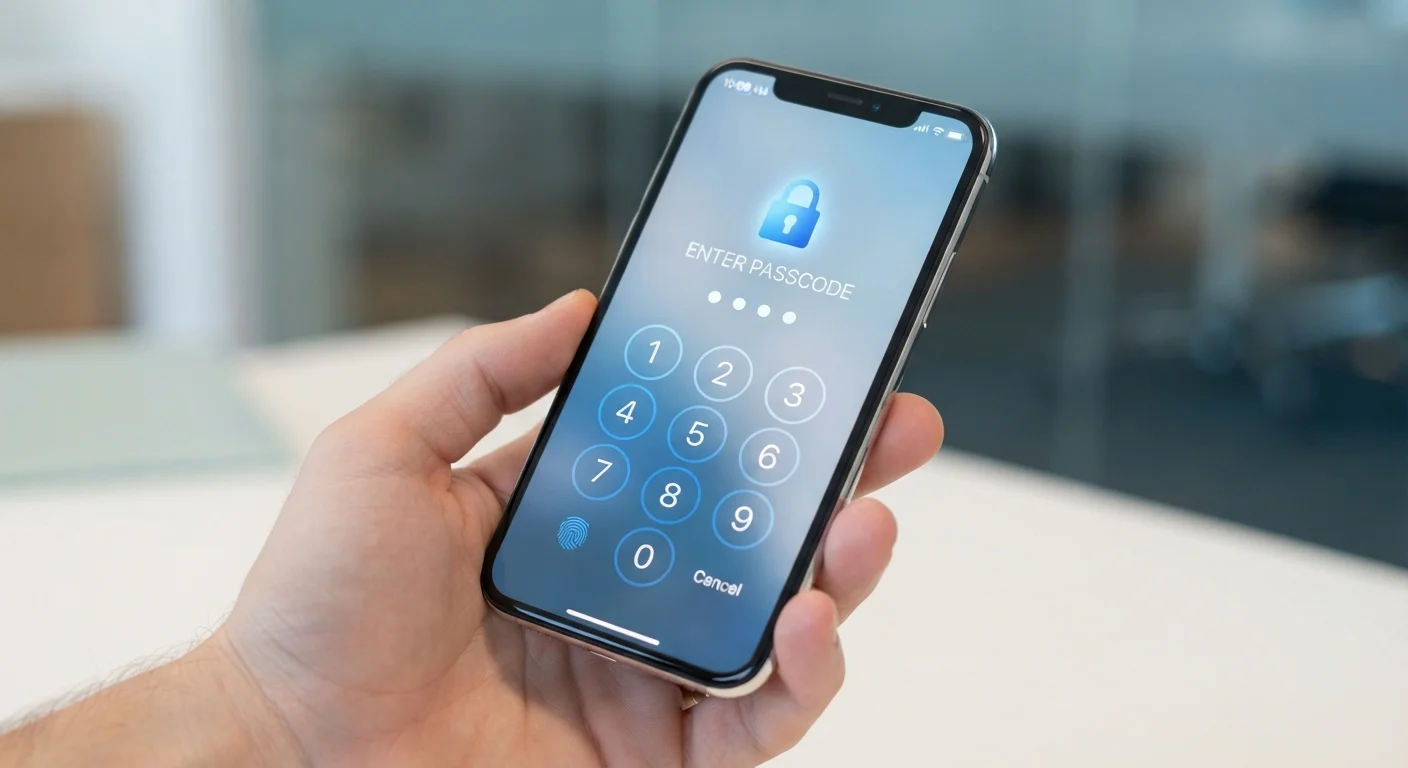
Two-factor authentication is a security method that requires two separate proofs of identity before granting access to an account. The first factor is something you know, like a password. The second factor is something you have, typically your phone, which receives or generates a short code. Even if someone steals your password, they still cannot log in without that second code.
Security professionals categorize authentication factors as: something you know (password or PIN), something you have (phone or hardware key), and something you are (fingerprint or face scan). 2FA combines any two of these categories.
Why one password is not enough
Passwords get exposed in data breaches constantly. When a service you use is breached, your login credentials can end up in lists that attackers buy and test against other sites automatically. If you reuse a password, one breach can cascade into many compromised accounts.
Two-factor authentication (2FA) breaks that chain. Because the second factor lives on your phone, an attacker who has your password still cannot get in without the device physically in their hands. That single change removes the most common path to account takeover.
For a broader look at protecting what your phone knows about you, the privacy settings guide covers the controls worth reviewing on both major platforms.
How 2FA actually works
When you log in with 2FA enabled, the process has two stages. First, you enter your password as normal. Second, the service asks for a short, time-limited code, usually six digits, that it either texts to your phone or that an app on your phone generates. You type that code and you are in.
The code changes every 30 seconds for app-based methods, and it is tied mathematically to your specific account. A code generated on your phone cannot be reused and cannot be predicted without access to your device.
Your phone acts as proof that you are the real account owner, not just someone who obtained your password. This is why the second factor works even if the password has been stolen.
Start with your email account
Your primary email address is the recovery path for nearly every other account you own. If an attacker controls your email, they can reset passwords on your bank, social media, and shopping accounts. Enable 2FA there first, before anywhere else.
SMS codes versus authenticator apps
Two delivery methods cover most consumer 2FA setups.
SMS codes arrive as text messages. Setup is simple: you give the service your phone number, and codes come automatically when you log in. No extra app needed. The limitation is that text messages travel through phone carrier networks, which have their own vulnerabilities. A scam called SIM swapping can redirect your number to another device, intercepting your codes without touching your phone.
For most people, SMS 2FA is still a meaningful security improvement over a password alone. The SIM-swap risk, while real, is not random; it typically requires a targeted attack on a specific person.
Authenticator apps generate codes locally on your device without sending anything over a network. The codes work even without a cellular signal or internet connection. Because nothing is transmitted, there is nothing to intercept. Setting one up takes a few extra minutes: you scan a QR code displayed by the service, and the app is linked from that point on.
Android and iOS handle these apps similarly, and authenticator apps are available on both platforms through their respective app stores.
Over 80%
Of account takeovers involving stolen credentials
According to Verizon's Data Breach Investigations Report, the large majority of hacking-related breaches involve credentials that were stolen or brute-forced, which 2FA directly addresses.
30 seconds
Lifespan of a time-based authenticator code
Authenticator apps following the TOTP standard (RFC 6238) generate a new six-digit code every 30 seconds, making intercepted codes useless almost immediately.
Setting up 2FA and staying locked in
On most services, 2FA lives under account settings, usually labeled "Security" or "Privacy." You choose your preferred method, verify the first code to confirm the setup works, and the feature is active from that point on.
One step many people skip: saving backup codes. When you enable 2FA, most services generate a set of one-time recovery codes. Write them down or store them in a secure, offline location. These codes let you access your account if your phone is lost, stolen, or replaced. Without them, recovery depends entirely on the service's own process, which varies and can take days.
If you do get locked out, the account recovery guide walks through how to approach that situation. It is also worth checking app permissions periodically; the app permissions explainer covers what those permission requests actually mean and how to manage them.
Enabling 2FA on your primary email account is the single most effective starting point. From there, financial accounts and anything storing payment details follow naturally.