

Key Takeaways
- Free trials that convert to paid plans are one of the most common sources of forgotten charges.
- Subscriptions can be billed through multiple channels: app stores, bank cards, and PayPal accounts.
- Checking your email for billing receipts is a reliable way to surface charges you have forgotten about.
- Many services allow you to pause rather than cancel, which can be a useful middle option.
- A monthly review habit prevents small charges from compounding into a significant budget drain.
Why forgotten subscriptions are so common
Digital subscriptions are designed to be easy to start and easy to forget. A free trial requires a credit card, the trial ends quietly, and a charge appears weeks later when your attention is elsewhere. Bundled services add another layer: a phone plan, internet package, or credit card benefit might include streaming or cloud storage you never activated, or activated once and stopped using.
The average household carries more active subscriptions than it tracks. Charges tend to be small enough month-to-month that they pass without triggering a second look, but recurring costs reshape a budget in ways that only become visible when you add them up. This guide walks through each place subscriptions hide and what to do once you find them.
Where subscriptions hide
Before you start cancelling, you need a complete picture. Charges arrive through several different channels, and checking only one misses the others.
- Bank and credit card statements. Search your last three months of statements for recurring amounts. Look for charges on the same date each month, or the same date each year for annual plans.
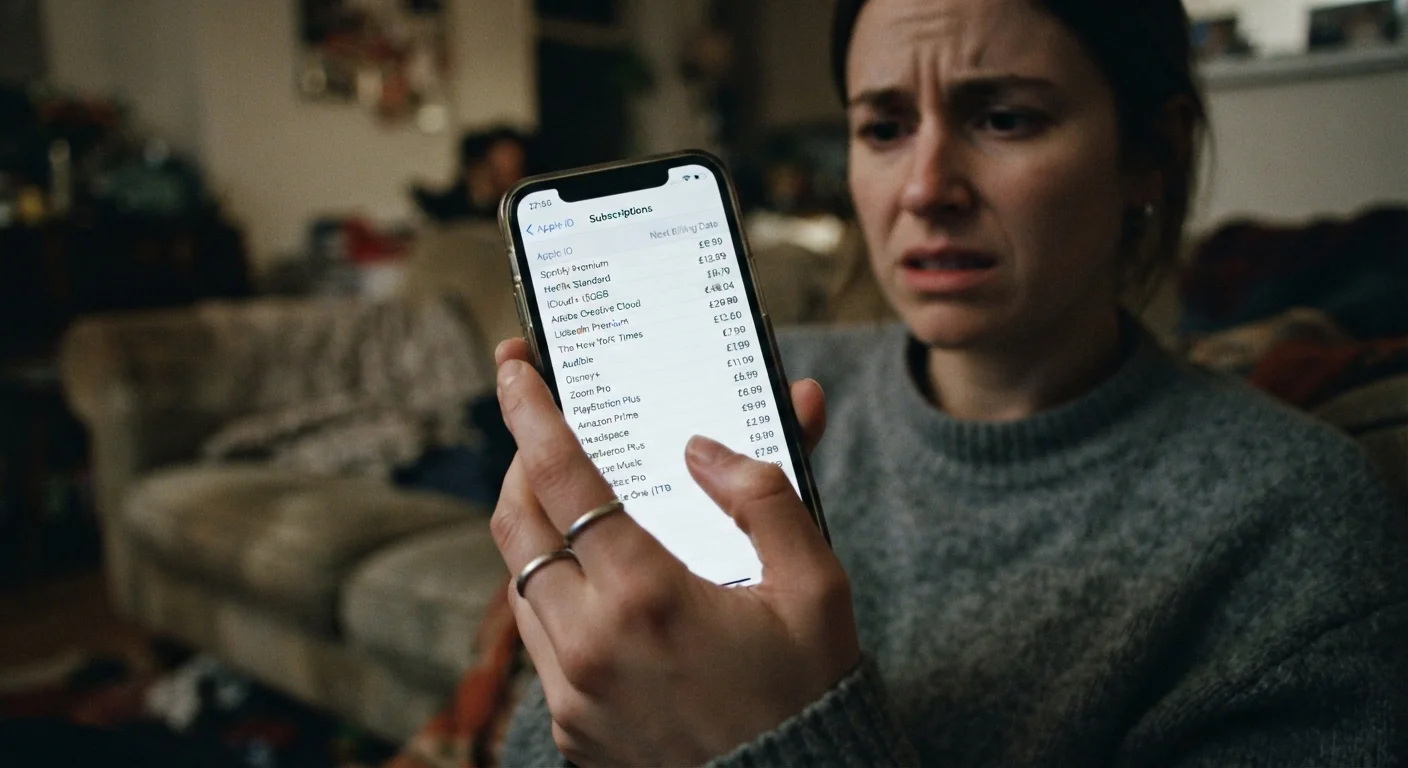
- App store accounts. Both Apple and Google maintain a dedicated subscriptions section. On iPhone, go to Settings, tap your name, then Subscriptions. On Android, open the Play Store, tap your profile icon, then Payments and subscriptions.
- PayPal and digital wallets. PayPal has a separate automatic payments section under Settings. Some services bill through Venmo or other wallets, so check each one you use.
- Email receipts. Search your inbox for words like "receipt", "invoice", "your subscription", or "billing confirmation". This often surfaces services you genuinely forgot you signed up for.
- Bundled perks. Check the benefits section of any credit card account, phone plan, or internet service. These sometimes include subscriptions that are active whether or not you use them.
For a broader look at how apps and accounts accumulate across your devices, a structured digital audit can help you see the full picture.
How to find and cancel what you no longer use
Pull three months of bank and card statements
Download or print statements for every bank account and credit card you use. Go line by line and mark any charge that repeats. Note the amount, the merchant name, and the billing frequency. Do not skip small amounts; a $2.99 charge twelve times a year is still $35.88.
Check your app store subscription lists
On an iPhone: open Settings, tap your Apple ID name at the top, then tap Subscriptions. On Android: open the Google Play Store, tap your profile icon in the top right, then tap Payments and subscriptions, then Subscriptions. Both lists show active and recently expired subscriptions with their renewal dates and prices.
Search your email for billing receipts
In your primary email account, search for terms like 'receipt', 'invoice', 'subscription renewed', 'your plan', and 'payment confirmation'. Sort results by sender to spot services that send monthly or annual receipts. Check any secondary email addresses you use for signups, since many people use a different address for newsletters and trials.
Review PayPal automatic payments and any other digital wallets
Log into PayPal, click the Settings gear icon, then select Payments, then Manage automatic payments. This page lists every merchant authorized to charge your PayPal account on a recurring basis. Cancel any you do not recognize or no longer use. Repeat this check for any other digital wallet you have used to sign up for services.
Check bundled benefits on phone plans and credit cards
Log into your mobile carrier account and look for a benefits or perks section. Do the same for any credit card that advertises travel, entertainment, or shopping perks. Some of these include streaming services or cloud storage that begin billing separately after an introductory period, or that carry a monthly cost you may not have noticed when you enrolled.
Cancel or pause what you do not use
For each subscription you identified but no longer use, go directly to the service's website or app and find the account or billing settings to cancel. Do not rely on unsubscribe links in emails. Confirm the cancellation by checking for a confirmation email. If the service offers a pause option, use that for anything you might return to rather than starting a new trial later.
Once you have cancelled or adjusted subscriptions, build a simple habit to stay current. A monthly spending review takes less than ten minutes and prevents new charges from going unnoticed. If a service offers a pause option rather than full cancellation, that can be worth considering for anything seasonal, like a sports streaming add-on you only use part of the year.
For subscriptions tied to apps, compare what the paid tier actually gives you before you decide. The gap between free and paid app versions is not always as large as the price implies.
After the audit: keeping the list manageable
Write down every subscription you decide to keep, including the amount, billing date, and which payment method it uses. A simple note or spreadsheet works. When a charge appears on your statement, you can match it against the list rather than guessing whether it is legitimate.
Set a calendar reminder once a month to scan your bank statement for anything new. Annual subscriptions are easy to forget because twelve months is a long time between charges. A note in your calendar a week before each annual renewal date gives you time to decide whether to keep it rather than reacting after the charge has already posted.
Common patterns in recurring charges show that the services most likely to go unused are the ones with the longest billing cycles and the lowest per-month price. Those are also the ones least likely to feel urgent to cancel, which is exactly why they persist.