

Key Takeaways
- RAM determines how smoothly your phone multitasks, not how much you can save.
- Internal storage holds your apps, photos, and files even when the phone is off.
- Cloud storage keeps files on remote servers and requires an internet connection to access them.
- Running low on internal storage can slow your phone down noticeably.
- More RAM rarely matters past a practical threshold for everyday use.
Smartphone storage
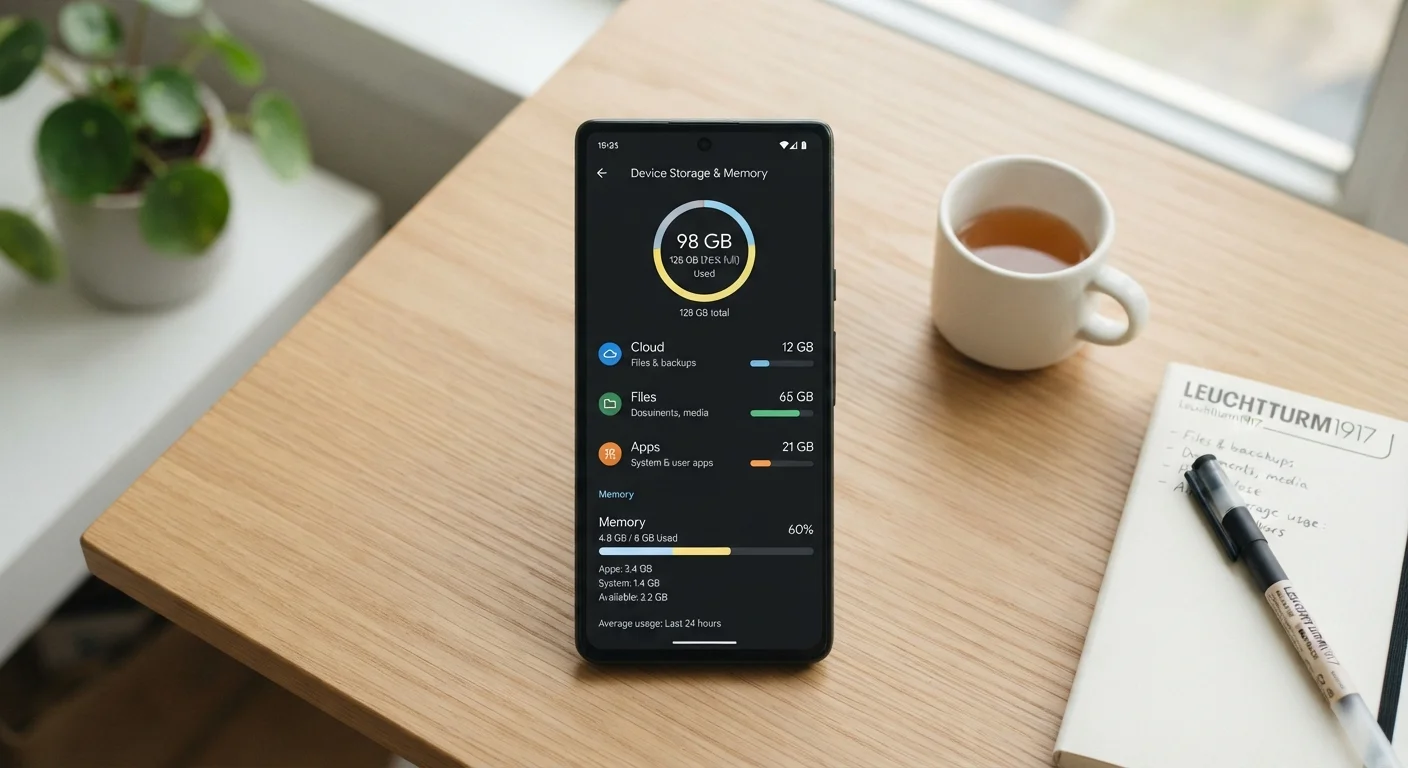
Smartphones use three distinct types of storage: RAM, internal storage (sometimes called ROM), and cloud space. Each handles a different job. RAM keeps apps running in the moment, internal storage holds everything you save on the device, and cloud space stores files on remote servers accessed over the internet.
RAM stands for Random Access Memory; ROM historically referred to Read-Only Memory but in consumer smartphones it now loosely describes the built-in flash storage chip where your apps and files live permanently.
What RAM actually does
RAM is your phone's short-term workspace. When you open an app, the phone loads it into RAM so the processor can reach it quickly. The more RAM available, the more apps can stay loaded at once without needing to reload from scratch each time you switch between them.
Think of RAM as a desk surface. A bigger desk lets you spread out more papers without shuffling them back into drawers constantly. When you close an app or restart your phone, everything in RAM clears out. Nothing is saved there permanently.
For most everyday tasks, including social media, messaging, browsing, and navigation, phones with 6 GB to 8 GB of RAM handle multitasking without noticeable lag. Gamers and power users who run demanding apps simultaneously may see a difference with more, but the average user hits a point of diminishing returns well before the spec sheet suggests.
Check RAM usage before buying
When comparing phones, look at how much RAM is available to apps, not just the total. Some operating systems and background processes consume 2 GB to 3 GB of RAM constantly, leaving less for your apps than the spec number suggests. Reading independent reviews that test real-world multitasking gives a clearer picture than the spec sheet alone.
Internal storage: what stays on your phone
Internal storage is where everything permanent lives: your operating system, every app you have installed, downloaded music, photos taken with your camera, and offline maps. Unlike RAM, internal storage retains its contents when the phone is off or restarted.
Manufacturers label this as the main storage figure you see when buying a phone, typically 64 GB, 128 GB, 256 GB, or higher. Your operating system and pre-installed apps consume a portion of that immediately, so a phone sold as 128 GB may show only 110 GB or so of usable space right out of the box.
Storage speed matters too, though it rarely appears in plain advertising. Newer phones use faster flash memory standards that load apps and transfer files more quickly. Older or budget phones may use slower storage, which can make the whole device feel sluggish even with plenty of space remaining.
If your phone is consistently running low, see the practical storage audit guide for a step-by-step approach to clearing space without losing anything important.
Cloud storage and what it is not
Cloud storage saves files on servers operated by a company, accessed through your internet connection. Your photos, documents, and backups live on those servers, not on the phone itself. When your connection drops, those files become temporarily unreachable unless you have downloaded a local copy.
Services like iCloud, Google One, and others offer free tiers with limited space, then charge a monthly fee for more. Cloud storage is useful for backing up data you do not want to lose, sharing files across devices, and freeing up internal storage by keeping files off the phone.
Cloud storage does not replace RAM or internal storage. Your phone still needs enough RAM to run apps and enough internal storage to install them. Cloud space only holds files you choose to upload or sync.
128 GB
Common baseline internal storage on mid-range phones
128 GB has become the standard entry-level capacity on most mid-range smartphones released in recent years, though usable space is always less after the OS is installed.
15 GB
Free cloud storage offered by major providers
Both Google and Apple offer 15 GB of free cloud storage per account; many users exceed this limit with photos and device backups alone.
For a broader look at how your phone's operating system affects file management and app access, the Android vs. iOS comparison covers how each platform handles these tasks differently.
How the three types work together
When you open a photo editing app, your phone pulls the app from internal storage into RAM so you can use it. The photo you edit is read from internal storage (or downloaded from the cloud if it lives there). When you save your edits, the result writes back to internal storage. RAM never touched the saved file; it only held the working version while you edited.
This is why running out of internal storage affects your whole experience, even if you have plenty of RAM. The phone needs internal storage to operate, cache temporary data, and save anything new. A phone with abundant RAM but near-full internal storage will still struggle.
Good storage habits extend your phone's useful life. The smartphone maintenance guide covers practical routines for managing storage alongside other upkeep habits.