

Key Takeaways
- Keeping software updated closes security gaps and can improve how your phone performs day to day.
- Charging habits matter: staying between 20% and 80% charge generally reduces long-term battery wear.
- A case and screen protector are the most cost-effective physical protection you can add.
- Managing storage regularly prevents slowdowns caused by a full or near-full internal drive.
- Heat is a phone's most consistent enemy: avoid leaving it in hot cars or direct sunlight.
Why consistent care makes a real difference
Most phones are built to last several years, but how long yours actually holds up depends heavily on daily habits. Software neglect, poor charging routines, and physical wear compound over time. None of the practices below require technical skill; they just need to become routine.
If you want a broader look at clearing out what's slowing your phone down, see our guide to auditing digital clutter for a checklist approach.
Software and security
Install operating system updates promptly. These updates often patch security vulnerabilities, and leaving them pending for weeks gives those gaps more time to be exploited. Most phones can be set to download updates automatically overnight, which removes the need to remember.
App updates matter too. Outdated apps can drain battery, crash more often, or behave in ways that consume extra data. Enabling automatic app updates in your phone's app store settings keeps this tidy without manual effort.
Periodically review which apps have permission to access your location, microphone, or camera. Permissions granted during a quick install are easy to forget, and trimming them back to only what each app genuinely needs reduces background activity.
Enable automatic software updates on both the operating system and your apps
Security patches close vulnerabilities that malicious software can exploit. Keeping updates current reduces that exposure without requiring you to monitor release schedules manually.
Avoid letting your battery regularly drop below 20% or sit at 100% for extended periods
Lithium-ion chemistry experiences more stress at the extreme ends of the charge range. Moderate charging habits slow the rate at which total battery capacity shrinks over the phone's life.
Keep your phone away from high heat environments
Heat is one of the primary factors that degrades battery capacity and can damage internal components. Even occasional extreme heat exposure can have a cumulative effect.
Review and trim app permissions every few months
Apps with unnecessary background access to location, contacts, or sensors consume battery and data while doing nothing useful for you. Reducing those permissions cuts that load.
Keep free storage above 15-20% of your phone's total capacity
The operating system writes temporary files constantly. When storage is nearly full, this slows down and causes performance problems that mimic hardware failure.
Battery and charging habits
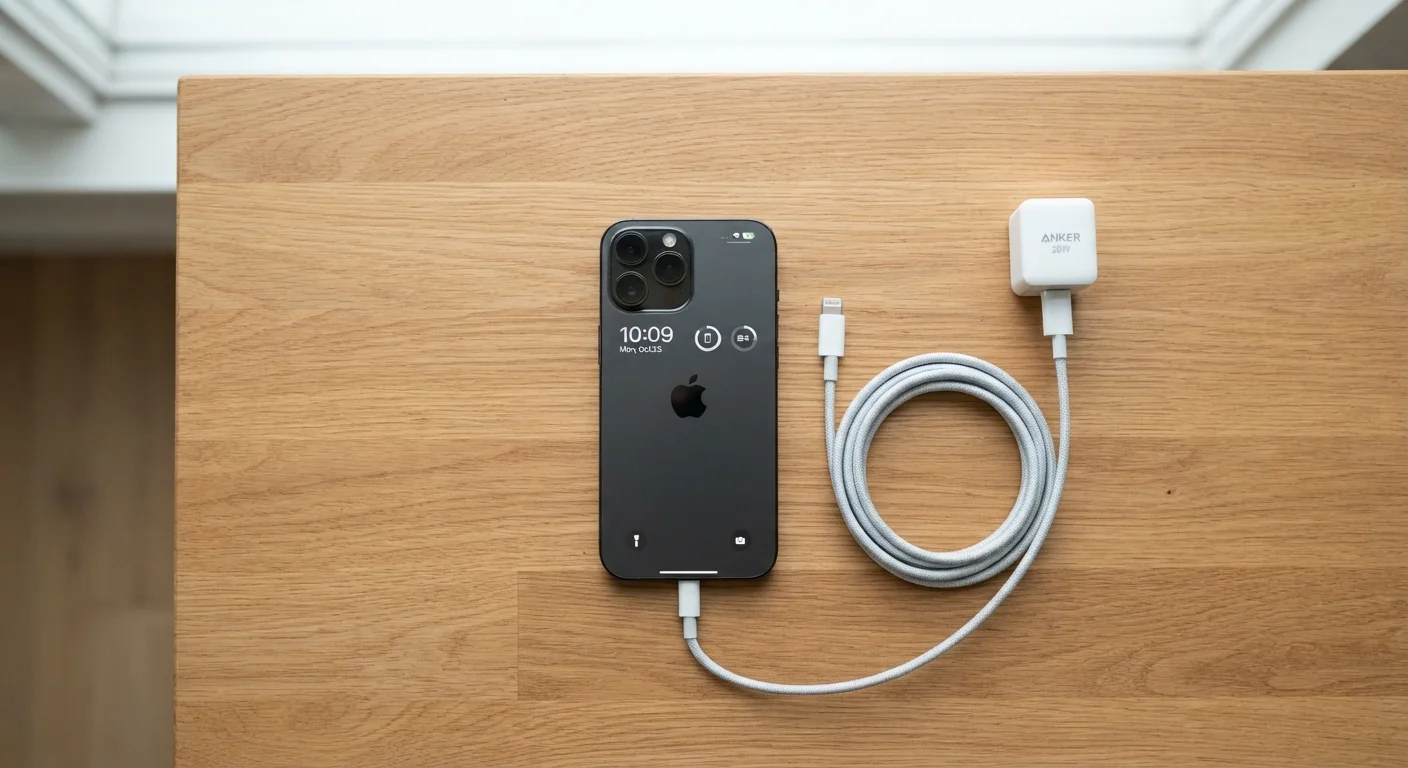
Lithium-ion batteries, the type in virtually all smartphones, degrade with use and age. The rate of that degradation is affected by how you charge. Frequently draining a battery to 0% or keeping it at 100% for long stretches both contribute to faster wear over time. Aiming to keep charge between roughly 20% and 80% is a reasonable everyday habit.
Heat accelerates battery aging more than almost anything else. Avoid leaving your phone on a car dashboard or in direct sunlight. If your phone gets warm while charging, try removing any thick case during the charge cycle.
For a deeper look at what else affects how long your charge lasts day to day, the article on fast battery drain covers the common culprits in detail.
Physical protection and storage
A case does not need to be expensive to be effective. A snug-fitting case that covers the corners and raises the screen slightly off a flat surface handles the most common drop damage. A tempered glass screen protector adds another layer against cracks and scratches on the display.
Clean the charging port occasionally with a dry toothpick or a can of compressed air. Lint from pockets packs into the port over time and can cause loose connections or intermittent charging failures. Do this gently and without metal tools.
Keep your phone away from water unless it has a verified water-resistance rating, and even then, resistance ratings are not permanent guarantees. Seals degrade with age and physical drops.
Storage management
When internal storage fills up, phones slow down. The operating system needs free space to write temporary files, cache data, and process tasks. A phone running at 95% storage capacity will behave noticeably differently from one at 60%.
Photos and videos are usually the biggest consumers of space. Backing them up to a cloud service and then deleting local copies is the most direct fix. Beyond that, removing apps you no longer use and clearing cached data from apps that accumulate it (streaming and map apps especially) keeps things moving.
For a structured way to go through this process, our digital clutter audit walks through each category step by step.
When something feels off
If your phone has slowed down noticeably, a restart clears temporary processes and often helps. If problems persist, checking storage and battery health (both available in settings on most modern phones) gives you a factual starting point before assuming the phone needs replacement.
Some issues do come down to software conflicts introduced after an update. In those cases, checking your phone manufacturer's support forums for known issues is a good first step. A factory reset can resolve persistent software problems, but it erases local data, so back up first.
If you suspect your charging habits have affected battery capacity, the battery health section in your phone's settings shows estimated capacity as a percentage of original. Capacity below around 80% is generally where charging duration starts to feel short.