

Key Takeaways
- Mesh systems use multiple nodes that share one network name, so devices switch coverage points without dropping the connection.
- Range extenders rebroadcast a router's signal but typically run as a separate network, which can cause devices to stay on a weaker connection longer.
- Mesh hardware costs more upfront; a router-plus-extender setup can be cheaper but requires more manual management.
- Backhaul method matters: mesh nodes with a dedicated wireless backhaul band deliver better performance than those sharing bandwidth with client devices.
- Either setup depends on the quality of your internet plan and modem connection at the source.
Option A
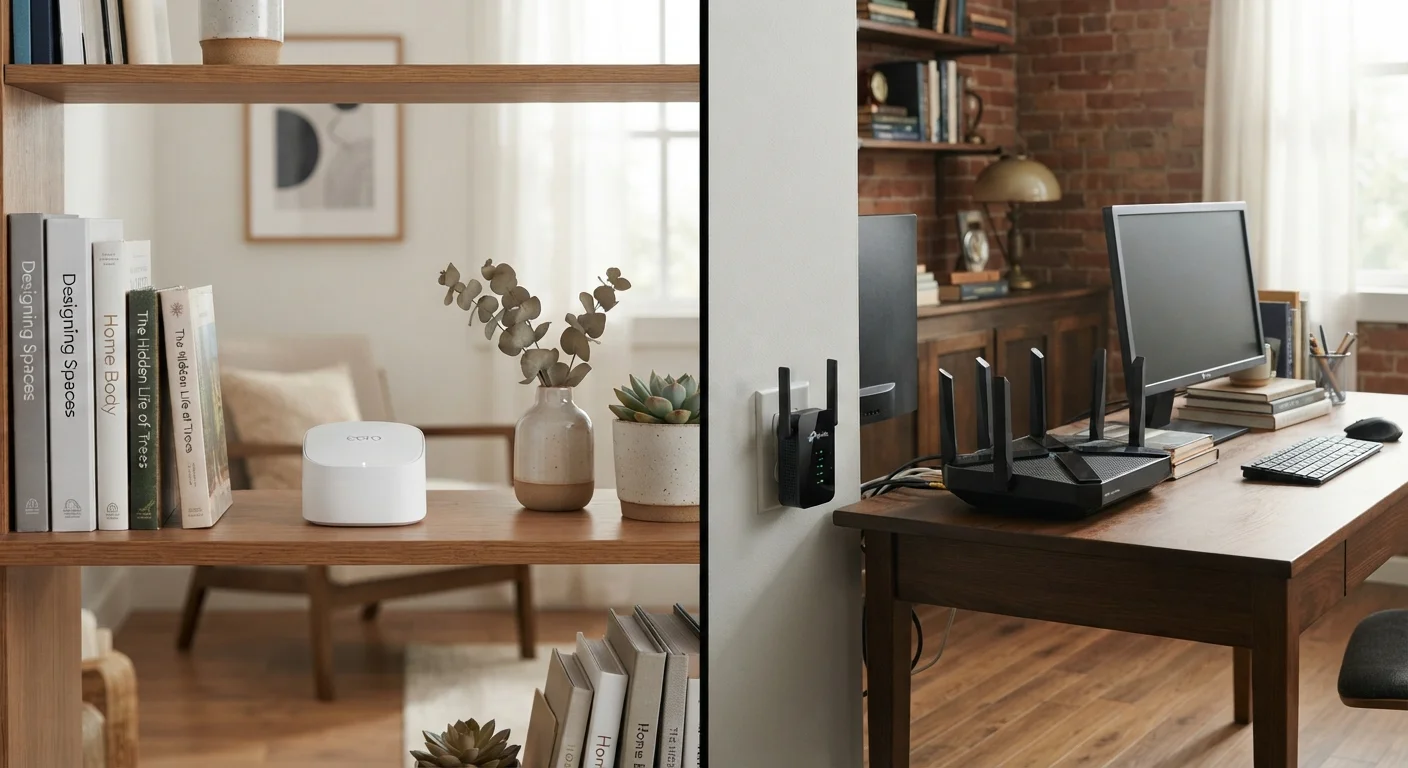
Mesh Wi-Fi system
A distributed network of nodes that work together as one.
Best for: Larger homes, multi-story layouts, or households where seamless roaming between rooms matters.
Option B
Traditional router with range extender
A familiar single-router setup with added hardware to push coverage further.
Best for: Smaller homes or renters who want to extend coverage without replacing existing equipment.
If you have a large or multi-story home with multiple users streaming or working simultaneously
Mesh Wi-Fi system
Mesh nodes maintain one consistent network and hand off devices automatically, reducing dead zones and manual reconnection.
If you rent, have a small-to-medium home, or want to extend coverage on a tighter budget
Traditional router with range extender
Adding an extender to an existing router is a lower-cost option, provided you can tolerate managing two network names or accept some performance trade-offs.
If you work from home and need a stable, low-interruption connection throughout the day
Mesh Wi-Fi system
Seamless roaming and more consistent signal strength reduce the dropped calls and buffering that can affect video meetings. See also: home internet for remote workers.
How each approach works
A traditional router connects to your modem and broadcasts a Wi-Fi signal from a single point. When that signal weakens before reaching a far room, a range extender picks it up and rebroadcasts it. The result is usually a second network name (for example, "HomeNetwork" and "HomeNetwork_EXT"), and your device chooses which one to join. The problem is that devices tend to stay on the original network even when the extender signal is stronger nearby.
A mesh Wi-Fi system takes a different approach. Instead of one router and a separate extender, it uses two or more nodes placed around the home. All nodes share one network name, and the system's software decides which node each device should connect to. When you walk from the kitchen to a bedroom, your phone can hand off to a closer node without you doing anything.
A plain-English guide to home networking covers the modem and router basics if you want a foundation before comparing these options.
Where they differ in practice
| Criterion | Mesh Wi-Fi system | Router with range extender |
|---|---|---|
| Network name (SSID) | Single shared SSID across all nodes | Often two separate SSIDs |
| Device roaming | Automatic, seamless handoff | Manual or device-dependent |
| Setup complexity | App-guided, straightforward | Varies; extender needs separate config |
| Upfront hardware cost | Higher (multiple nodes) | Lower if router already owned |
| Scalability | Add nodes to expand | Limited by extender chain quality |
| Performance consistency | More consistent across coverage area | Can drop off near extender limits |
| Backhaul option | Dedicated band or wired option available | Shares client band unless wired |
The single-network experience in a mesh setup is its most practical difference. Devices do not get "stuck" on a weaker node the way they can cling to a distant router when an extender is nearby. For households with many connected devices, this consistency matters more than raw speed numbers.
Range extenders are not without merit. If your router covers most of your home and you only need to fill one corner or a backyard patio, an extender can close that gap at a lower cost. The causes and fixes for Wi-Fi dead zones guide can help you decide whether one extension point is all you need.
What backhaul means
Backhaul is the connection between a mesh node and the main router or gateway. A dedicated backhaul band means the nodes communicate with each other on a separate radio channel, so client devices (phones, laptops) get the full available bandwidth rather than sharing it. Some lower-cost mesh systems use the same band for both, which reduces throughput.
Cost and setup considerations
Mesh systems carry a higher upfront cost because you are buying at least two or three hardware units. Setup is generally app-guided and straightforward, though placing nodes correctly matters: too far apart and they lose reliable contact with each other; too close and you have paid for redundant coverage.
A router-plus-extender path costs less, especially if you already own a capable router. The trade-off is more manual management. You may need to assign the extender its own password, and some users find themselves manually switching networks to get the best signal in different rooms.
Wiring nodes together with Ethernet eliminates the backhaul limitation entirely for mesh systems, and a wired extender can also outperform a wireless one. When a wired Ethernet connection makes sense explains situations where running a cable is worth the effort.
Whatever hardware you choose, the speed and reliability of your connection still depend on your internet plan and the quality of your modem. How fiber, cable, DSL, and fixed wireless compare is useful context if you are evaluating the full picture of your home setup.