

Key Takeaways
- Upload speed and latency matter more for remote work than raw download speed alone.
- A wired ethernet connection is more stable than Wi-Fi for video calls and large file transfers.
- Data caps and network congestion can disrupt your workday even on high-speed plans.
- Redundancy, such as a mobile hotspot backup, protects against unexpected outages.
- Understanding your plan's actual performance, not just advertised speeds, is the first step.
Why remote work has different internet needs
Streaming a movie needs fast downloads and little else. Remote work is more demanding in specific ways that plan advertisements rarely mention. Video calls require steady upload speeds. Cloud-based tools need low latency (the round-trip time for data to travel between your device and a server). A dropped call mid-presentation or a frozen screen during a client meeting has real professional consequences.
Most households size their internet plan around download speed, which governs how fast content arrives at your device. But when you are on a video call, you are also sending a continuous stream of audio and video. If your upload speed is low or inconsistent, other participants see you freeze or hear choppy audio, even if your download connection is fine. See what home internet plan terms actually mean for a plain-language breakdown of Mbps, latency, and related specs.
What to check before you call your provider
Before changing your plan, measure what you actually have. Free browser-based speed tests show your current download speed, upload speed, and ping (a basic latency measurement). Run the test at different times: once during a quiet morning hour and once during peak evening hours. A large gap between the two readings points to network congestion, which no speed upgrade will fully fix if it stems from shared neighborhood bandwidth.
Evening slowdowns follow a predictable pattern on cable and DSL connections because those technologies share bandwidth among nearby households. If your work hours fall during peak congestion windows, that is worth knowing before you pay for a faster tier on the same technology. Fiber connections use a different architecture that is less prone to this pattern. Fiber and cable work very differently, and availability depends on where you live.
Building a more reliable setup at home
Speed numbers matter less than consistency. A plan that delivers 100 Mbps reliably is more useful for remote work than one that advertises 500 Mbps but drops to 20 Mbps during the hours you actually work.
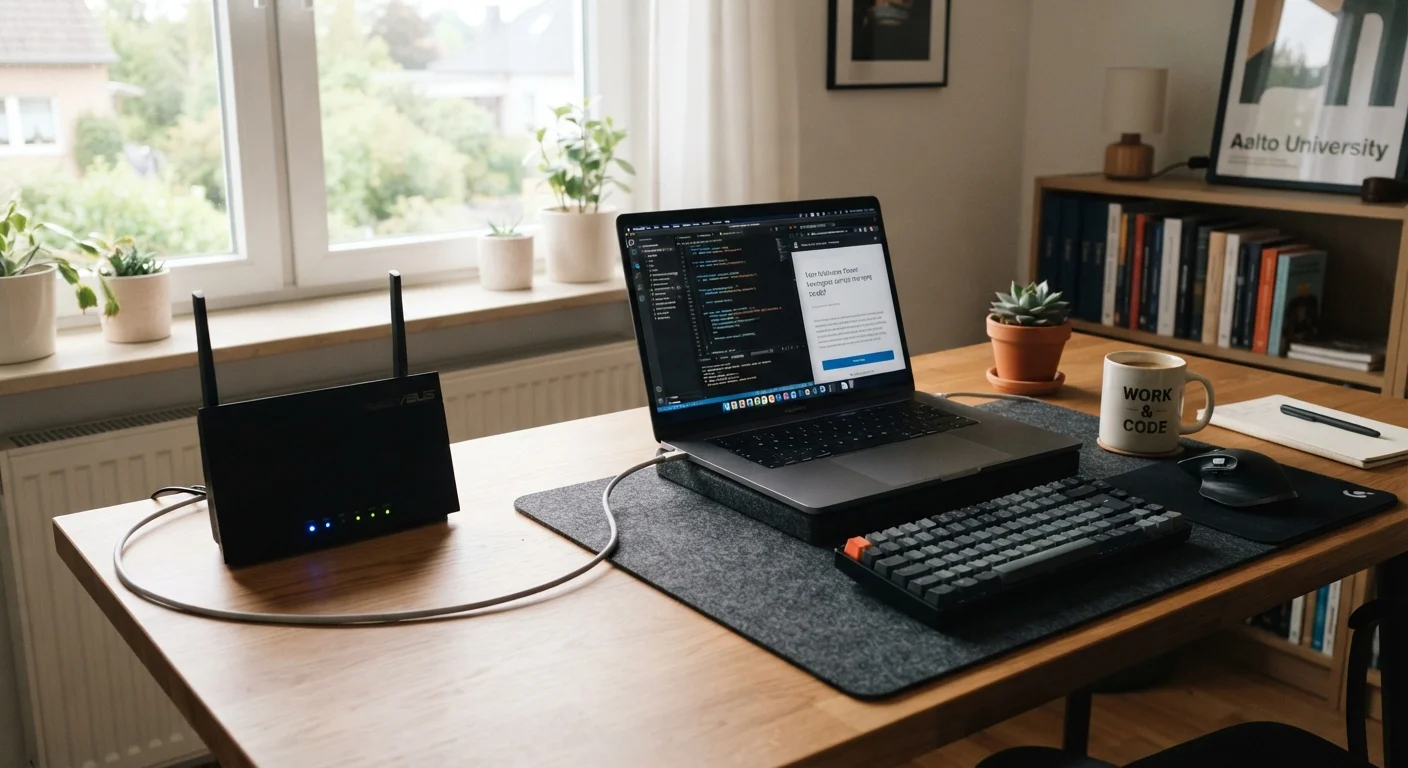
One of the most direct ways to improve consistency is to connect your work computer directly to the router with an ethernet cable rather than relying on Wi-Fi. Wireless signals degrade with distance, interference from neighboring networks, and physical obstacles. A wired connection removes those variables entirely. If your router is far from your workspace, a powerline adapter (a device that sends network signals through your home's existing electrical wiring) can extend a wired connection without running long cables through walls.
Signs that your plan is no longer keeping up include frequent dropped calls, slow file uploads, and video that stutters even on a good day. Those symptoms are worth documenting before contacting your provider, since they help distinguish a plan issue from a router or wiring problem.
Redundancy and data caps: the overlooked risks
Even a reliable connection goes down occasionally. A mobile hotspot, either a dedicated device or the tethering feature on your smartphone, gives you a backup for critical calls or deadlines when your primary connection fails. Most cell plans include some hotspot data, though speeds are often throttled after a set amount of usage each month, so check your plan before depending on it.
Data caps are another factor remote workers tend to overlook. Video calls, large file uploads, and cloud backups add up quickly. A plan with a low monthly data cap can result in throttled speeds or overage charges well before the month ends. If your work involves regular video conferencing or transferring large files, look for plans with no cap or a cap high enough that you are unlikely to reach it. Understanding data cap terms before you sign a contract prevents surprises on your bill.
Good remote work communication depends on more than the technology. Remote work changes the rhythm of workplace communication in ways that go beyond having a fast connection, but a stable connection is the foundation everything else rests on.