

Key Takeaways
- Data caps limit how much internet data your household can use in a single billing month.
- Going over the cap usually triggers overage charges or throttled speeds, not a disconnection.
- Streaming video and video calls consume far more data than browsing or email.
- Most providers show your current usage in your online account or mobile app.
- Households with multiple heavy users or smart-home devices are most likely to notice a cap.
Data cap
A data cap is a limit set by an internet provider on how much data your household can download and upload each month. Once you reach that limit, your provider may slow your connection, charge extra fees, or both. Caps are measured in gigabytes (GB) or terabytes (TB).
Data caps apply to total transferred bytes in both directions (upload and download), though some providers count only downstream traffic. The threshold resets on a fixed billing cycle, typically every 30 days.
How data caps work in practice
Internet providers measure data usage in gigabytes or terabytes. Every file you download, every video you stream, every email with an attachment, and every app update that runs in the background counts toward your monthly total. When the billing cycle ends, the counter resets to zero.
A typical residential cap ranges from 1 terabyte (1,000 GB) per month on many cable plans to unlimited on fiber plans. Satellite internet plans often carry much smaller caps, sometimes as low as 100 GB, because satellite bandwidth is more constrained.
Providers handle overages differently. The two most common approaches are charging a flat overage fee (for example, a set dollar amount for each additional block of data) or slowing your connection to a fraction of its normal speed for the rest of the month. A few providers let you purchase an add-on data block before you run out, which can avoid the speed reduction.
Set up usage alerts before you need them
Log in to your provider account now and look for notification settings. Enabling alerts at 75% and 90% of your monthly cap gives you time to adjust habits before you face overage charges or speed reductions. Many providers offer this feature at no cost, but it is often turned off by default.
Which activities use the most data
Understanding where your data goes helps you decide whether a cap matters for your household. The activities below are listed roughly by consumption, from highest to lowest.
- 4K video streaming uses approximately 7 GB per hour per screen.
- HD video streaming uses 3 to 4 GB per hour per screen.
- Video calls (HD quality) use roughly 1.5 to 2 GB per hour.
- Standard-definition streaming uses about 1 GB per hour.
- Online gaming uses 40 to 150 MB per hour for most titles, though large game downloads can be 50 GB or more each.
- Web browsing and email together use a fraction of a gigabyte for several hours of activity.
A family with two adults streaming in 4K for two hours each evening will use roughly 840 GB in a month from that activity alone. Add children gaming, smart-home cameras recording video, and firmware updates, and a 1 TB cap becomes easy to approach.
1 TB
Common monthly cap on cable internet plans
Many major cable providers set a 1 terabyte (1,000 GB) monthly threshold as a standard residential limit.
7 GB/hr
Data used by 4K streaming per screen
Streaming a single 4K video stream for one hour consumes roughly 7 GB, according to widely cited estimates from streaming platform documentation.
50+ GB
Typical size of a single large game download
Modern console and PC game downloads frequently exceed 50 GB, meaning one download can consume a large share of a modest monthly cap.
When a data cap actually matters to your household
Many households with moderate usage never come close to their cap. A couple who browses the web, checks email, and streams one or two hours of HD video per evening will typically use 200 to 400 GB per month, well within most standard caps.
The cap becomes relevant when several conditions overlap: multiple people stream simultaneously, someone works from home on video calls, a security camera system uploads footage continuously, or household members download large files such as games or software regularly.
Renters and households in rural areas deserve special attention. Fixed wireless and satellite plans, which are often the only options outside urban and suburban areas, carry smaller caps and have fewer unlimited alternatives. If you already notice slow speeds or dropped connections before a cap becomes an issue, that may signal a different problem. Signs your current internet plan is no longer keeping up covers those symptoms in detail.
How to track and manage your usage
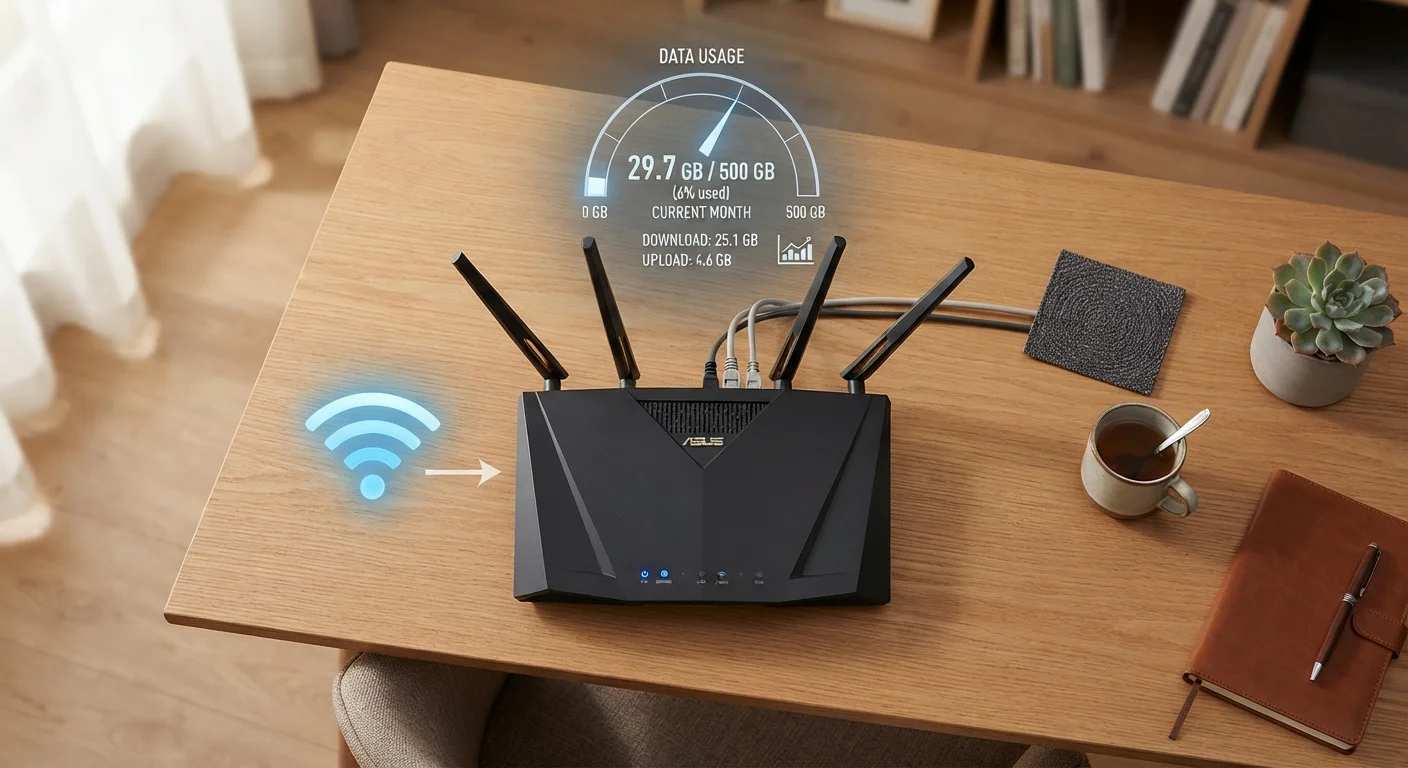
The most direct way to monitor usage is through your provider's account dashboard. Most providers show a running total and a visual meter. Some send automated alerts by text or email at 75% and 90% of your monthly allowance, but you may need to opt in to those notifications.
Your router can also give you a breakdown by device. Many modern routers include a traffic-monitoring screen in their admin interface (usually accessed by typing 192.168.1.1 or 192.168.0.1 into a browser). This view can reveal which device is consuming the most data, which is useful if your household is consistently near its cap without an obvious reason.
If you find that you are regularly hitting your cap, you have a few practical options. Reducing video quality settings in streaming apps from 4K to HD, or from HD to standard definition, is one of the fastest ways to cut usage without changing plans. Scheduling large downloads and system updates for off-peak hours does not reduce the total data consumed but can help you plan around your billing cycle. Upgrading to a higher-cap or unlimited plan is worth pricing out if overages are becoming a regular cost.
Unlimited plans may still have limits
Some plans marketed as 'unlimited' include a threshold, sometimes called a 'soft cap' or 'priority data limit,' after which speeds may be reduced during periods of network congestion. Read the full plan terms to understand what unlimited actually means for a given offer.